Retrying rare mount captures: Change one action, then resume from the cave saveMinor spoilers
Identical actions repeat the result. After failure, load the autosave from entering or leaving a cave, then use Explore or Wait to change the sequence.
Original video: How to catch rare mounts such as Ferghanan Horses and ostriches on Cai's route | Bilibili creator Pser_hanser
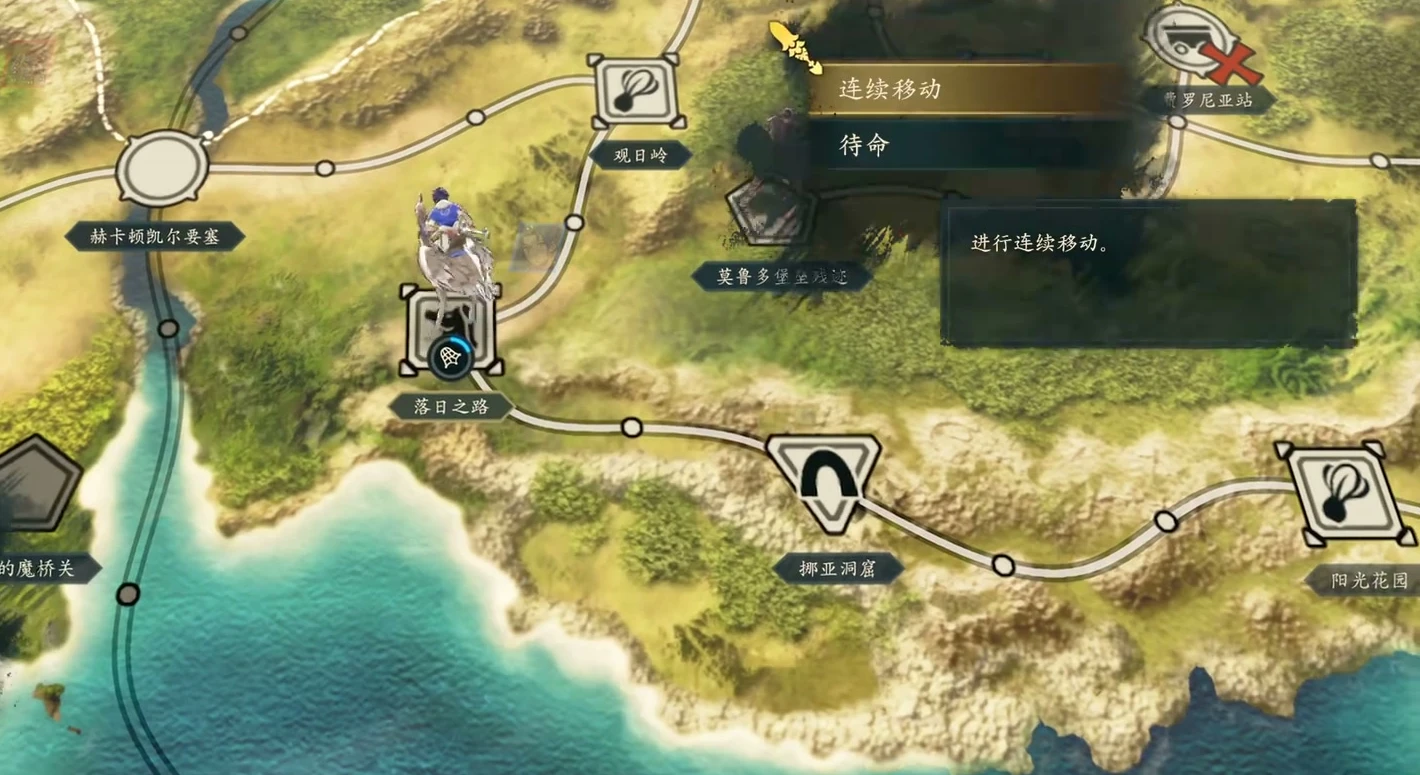
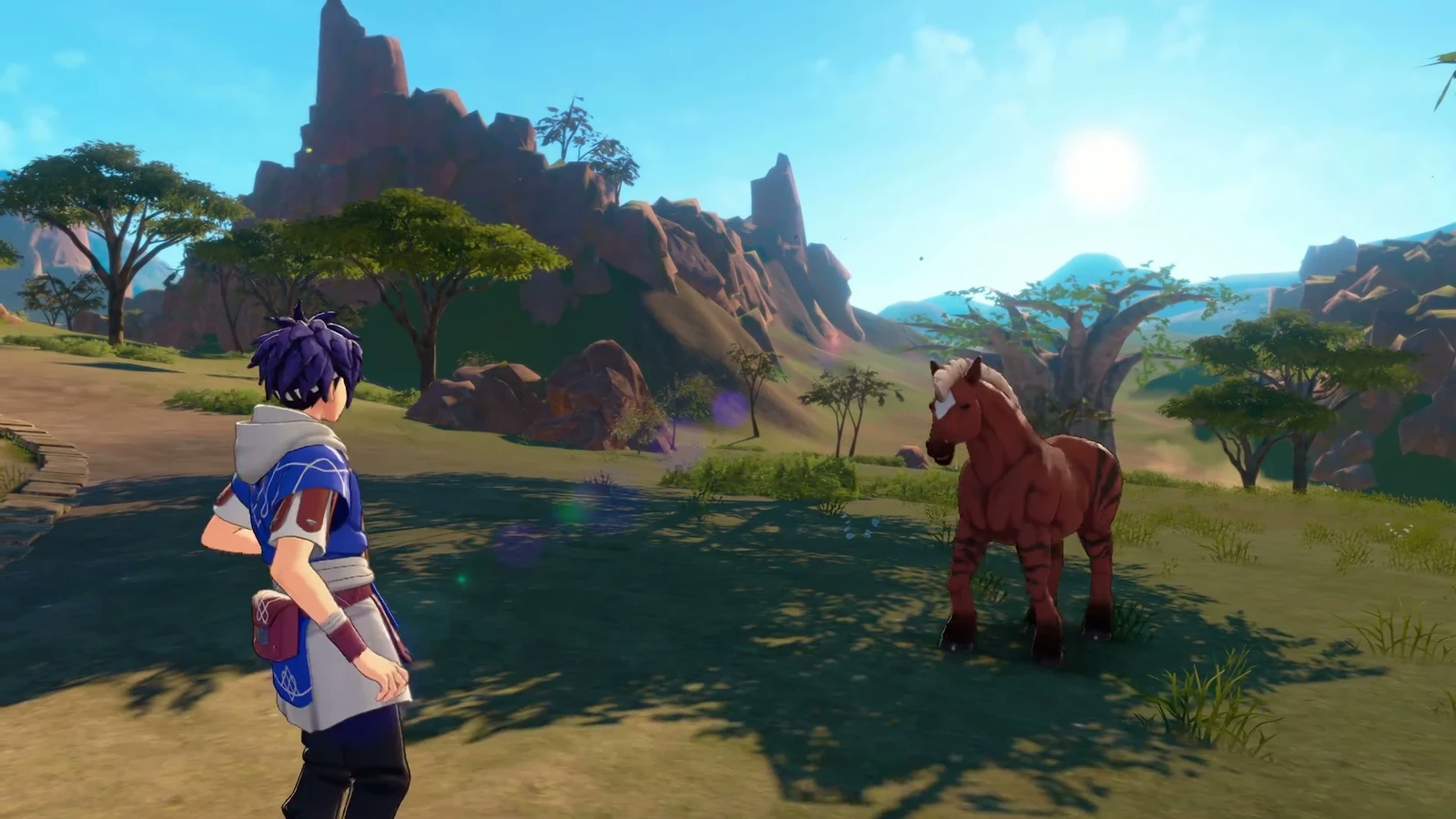
The same movement and actions repeat the same result. If you miss the mount you want, reload the cave entrance/exit autosave, change an exploration action or add a wait, then try capturing again.
Identical actions repeat capture results
If every movement and operation is identical, the result stays fixed. To change a capture result, adjust one step: explore an extra time or insert Wait, then continue toward the target location.
Keep track of what you did each time. Rule out failed sequences and adjust them gradually instead of reloading and repeating the same actions.
Retry captures through the cave autosave
- 1Return to the title screen if you miss the target mount.
- 2Load the autosave made on entering or leaving the cave.
- 3Change earlier actions, such as exploring elsewhere or inserting a wait, then return to the capture point.
- 4Check the capture result and record the actions tried.
It can take many changes. Record each attempt's actions to eliminate sequences already tried.